Import the records, answer a few questions, and sign off.
Built for personal-injury firms, and the people who build the chronology.
Solo and small plaintiff-side PI practices, and the paralegal or intake person who does the record work, at firms too small for an enterprise software contract.
-
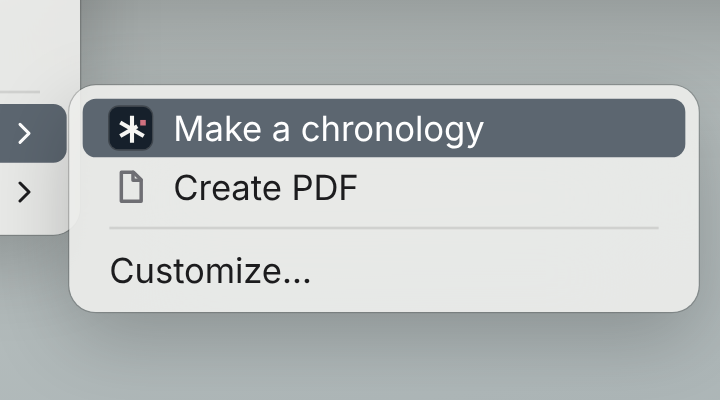 01
01Import the records
-
 02
02Folio reads every page
-
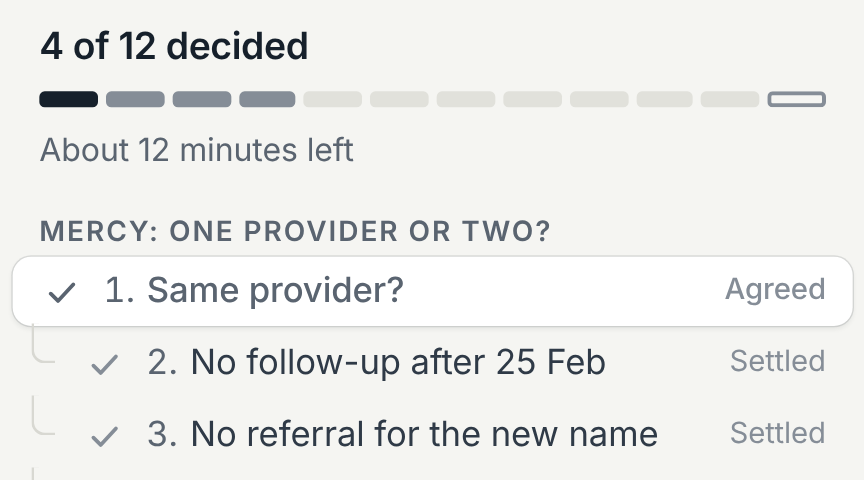 03
03Answer a short list of questions
-
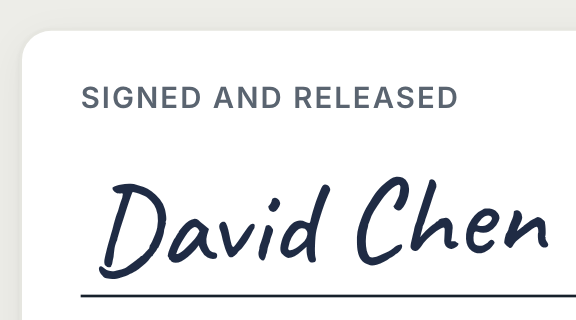 04
04The attorney signs
Those who build the chronology
Hours go into reading a thousand pages and typing dates into a spreadsheet. Hand Folio the records at the end of the day. In the morning there's a finished chronology and a short list of questions to wrap it up.
The attorney who signs it
You get a one-page cover note, the way your paralegal would write it, and only the questions that need a lawyer's judgment. Every entry carries the Bates number and page it came from, and every decision shows who made it.
The firm that won't upload records
If putting a client's medical file into a cloud tool is a conversation you'd rather not have, Folio runs on a Mac in your office and never sends the records anywhere.
- You build medical chronologies in-house, or pay an outside service to
- Your office has a computer that can run AI locally: a Mac with Apple silicon (M3 or newer), or a PC with a graphics card with 16 GB or more of memory
- You've priced the AI tools built for bigger firms, and the contract didn't fit
- You don't want to accept it blind, and you don't want a part-time job checking it
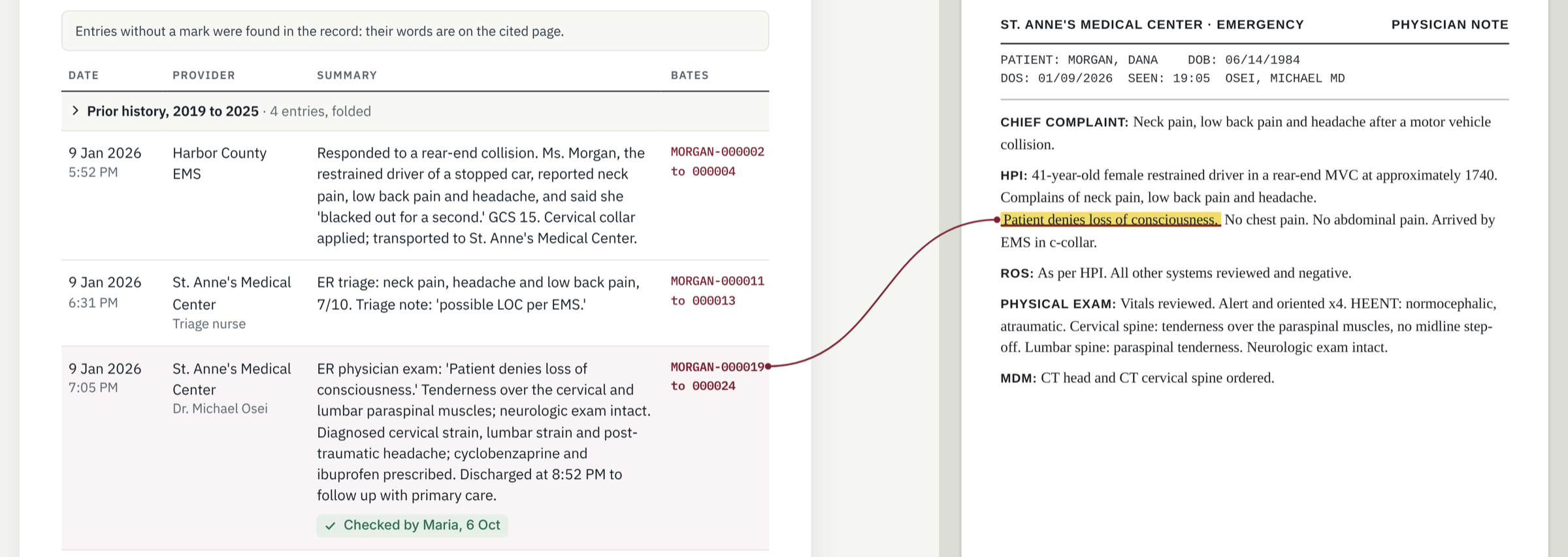
Medical chronologies where every fact links to its source.
Import the records, answer the few questions Folio can't settle on its own, and sign off. It runs on your firm's own Mac, so the file never leaves the office.
-
01
Import the records
Right-click the folder in Finder and choose Make a chronology. Folio reads every page on your Mac. A 1,000-page file takes a few hours, so start it at the end of the day.
-
02
Answer a short list of questions
Folio checks each entry against its source page and asks only about what needs a person. Each question comes with a recommendation and the pages on both sides, and one answer often settles others. Everything else is already cited.
-
03
Sign and release
The attorney reads a one-page cover note, answers any legal calls and signs. You get the chronology and evidence index in your firm's own format, plus the gaps in treatment and the records still missing.
Nothing to check line by line. A price you can see. Records that stay in your office.
Small firms say the same three things about chronology software: they don't want to check the AI's work, they don't want a contract, and they don't want the client's medical file on someone else's server.
No account to create. No upload. Unplug the network and it still runs.
Nothing crosses the dashed line. Not the records, not the chronology.
Nothing to check line by line
Folio hands back a finished chronology and only the questions it couldn't settle, each with a recommendation and the pages on both sides: a short list, not a thousand rows to approve.
Cost you can predict
$250 a month, flat, for your first 3 months
- No per-page or per-demand charges
- No minimums, no multi-year contract
- Pilot pricing: the price after the pilot is set with the pilot firms
Privacy you can explain to a client
- Records stay on the Mac they were loaded onto
- No third party holds a copy, and nothing is used to train anything
- Delete the matter and it's gone from your machine, not "scheduled for deletion" on a server
- One sentence for the client: "Your file never left our office."
Your first 3 cases free, then $250 a month for 3 months.
Make one of them a case you've already done, and see both chronologies side by side. No minimums, no multi-year contract.
Five quick questions, about 30 seconds. Questions first? Contact us.